
Laptop Backpacks with USB Charging Ports for Travel
A laptop backpack with a USB charging port allows devices to draw power from a portable battery inside the bag while on the move. Most models support standard 5 volt chargers and fit power banks up to 20,000 milliamp hours, but some offer faster charging at higher wattages. This feature appeals most to frequent travelers who rely on phones or tablets between long layovers or commutes, setting these bags apart from ordinary laptop cases that only store devices. Quick access to charging removes the scramble for wall outlets and keeps work uninterrupted, but the process always follows the same pattern:
- A power bank is placed inside the bag's main compartment.
- The device's own cable connects from the outside port to the power bank's USB socket.
- Charging starts automatically once both ends are connected.
- The device can be used or left charging while stored.
Charging fails most often when the power bank is empty or the cable inside disconnects during transit.
How USB Charging Ports Work in Backpacks
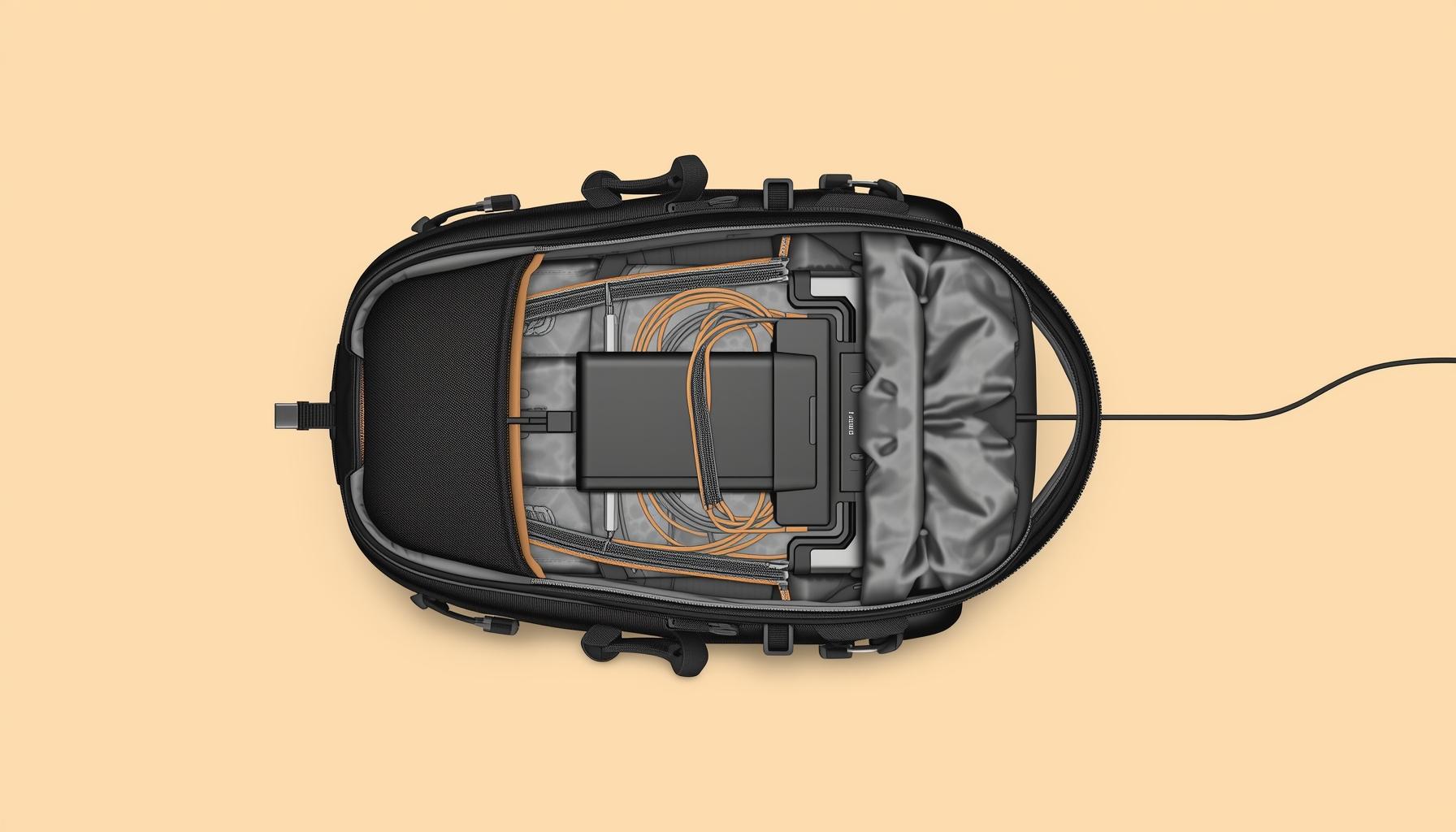
A USB charging port in a backpack is a cable with a socket sewn into the fabric. It connects a power bank inside to a device outside the bag.
Unlike built-in batteries, these ports do not provide power by themselves. The backpack includes only the cable and port, not the power source. A phone or tablet plugs into the port, while a power bank stays inside.
Without a power bank, the port does nothing. Forgetting the power source leaves devices uncharged, even though the backpack has a charging port.
What to Check Before Buying One
Laptop backpacks with USB charging ports promise convenient power on the move, but design differences affect real-world usability. A flimsy port or incompatible cable can slow charging or even damage devices, while some setups only support specific phone types or low output. Backpack material and internal wiring quality also shape the experience–poor insulation can mean frayed cables within months.
Device Compatibility and Power Needs
A USB charging port built into a backpack only delivers as much power as the battery or power bank attached inside. Some devices, like tablets or larger phones, draw more current than others and may not charge at all from a weak output. Matching device needs to the port’s actual output prevents slow charging or connection issues:
- Find the maximum charging current and voltage supported by both the backpack's USB port and the intended device.
- Compare the stated USB output–often listed as 1 amp or 2.1 amps at 5 volts–to the minimum requirement for the device, which is usually found on the device or its original charger.
- Test the backpack with the actual device, watching for slow charge warnings or failure to charge, especially with tablets or newer smartphones.
- Check if the backpack’s wiring is rated for higher currents, as thin or poorly shielded cables can overheat or limit charging speed.
- Confirm that the USB port’s shape and type–such as USB-A versus USB-C–matches what the device's cable needs.
Mixing a high-demand device with a low-output USB port results in wasted time and frustration. For laptops or fast-charging phones, only a port rated for higher amperage will deliver a noticeable power boost.
Build Quality and Charging Safety
Frayed wiring inside a charging backpack can cause short circuits that damage both devices and the bag itself. Polyurethane-coated polyester resists water better than cotton canvas, but some coatings peel after months of daily use.
| Material Type | Wiring Protection | Water Resistance | Abrasion Resistance |
|---|---|---|---|
| Polyurethane polyester | Heat-shrink tubing | High, but reduces if scratched | Good for daily commuting |
| Ballistic nylon | Insulated conduit | Moderate, dries quickly | Excellent for heavy loads |
| Cotton canvas | Basic sleeving | Low, absorbs spills | Poor, scuffs with friction |
| Ripstop fabric | Double insulation | Moderate, repels light rain | Fair, may snag on corners |
| Denim blend | Minimal protection | Very low, stains easily | Weak, wears thin at seams |
A torn seam or exposed wire can spark and ruin a phone or power bank. Double stitching and thick insulation in the cable channel prevent the most common failures.
A backpack that suits device needs and offers reliable charging avoids daily frustration and wasted money. Models with reinforced wiring and clear device compatibility offer greater long-term value.
Why Some Backpacks Charge Faster Than Others
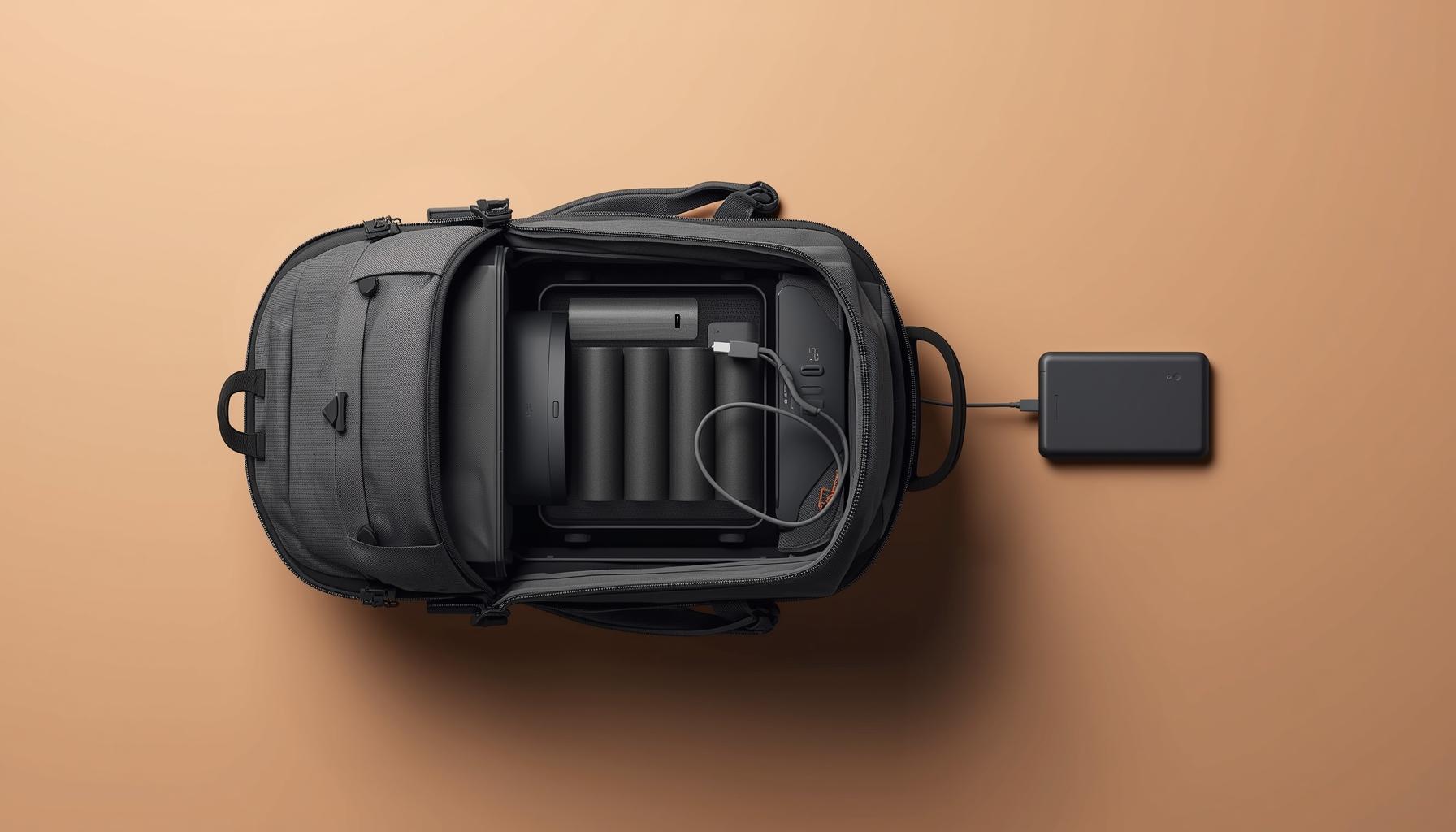
Charging speed in laptop backpacks depends on more than just the presence of a USB port. Two backpacks that look identical can deliver very different results if internal wiring or power sources differ. Small differences in cable thickness or power bank quality can create real gaps in performance when topping up a laptop or phone on the move.
Role of the Power Bank Used
Charging speed depends as much on the power bank as on the backpack’s built-in cable. Even two power banks with the same capacity can perform differently if their output ratings do not match the device’s needs. The following process shows what actually determines charging speed:
- Plug a power bank with a higher amp output rating into the backpack’s cable and the connected device draws more current, speeding up charging if the device supports it.
- Choose a model labeled with a lower output, for example one amp or below, and charging slows no matter how large its storage capacity.
- Attempt to use an older unit with only basic USB-A ports and many modern phones will negotiate a lower power level, resulting in slower top-ups.
- Insert a battery that has been used extensively and output can drop below its stated rating, causing unpredictable charging times.
Power banks with a higher output rating provide faster charging only if the connected device and cable can handle the current. Labels that show both voltage and amp output on the packaging give the clearest indication of real charging ability.
Impact of USB Cable and Port Quality
A high quality USB port inside a laptop backpack can handle higher amperage and sustain faster charging, but many models still use outdated or poorly shielded connectors. Even if the port looks solid, variations in internal wiring and soldering standards can create resistance that slows energy transfer.
A substandard or worn cable attached to the backpack can bottleneck current, dropping charging rates to a crawl even if both the power bank and device support fast charging.
Many people assume that any USB cable will perform the same, yet using a cable rated for only 1 ampere with a fast charging device leads to slow replenishment and excess heat in the wire. Cables with thicker conductors and proper certification maintain stable power delivery, making them essential for anyone relying on efficient top ups during travel.
Charging performance depends on both the backpack’s wiring and the power bank that sits inside. Comparing these components explains why two similar backpacks can leave one device full and another lagging.
Who Should Not Choose This Feature
Travelers who rarely carry electronic devices or spend long periods away from power sources may find a USB charging port unnecessary. A regular backpack often weighs less and has fewer compartments to manage.
In some cases, airports or schools with strict security rules might treat the electrical components as suspicious or require extra inspection. Water exposure can also damage the port, turning it into a liability during outdoor activities.
A simple backpack without integrated wiring avoids these issues entirely and generally costs less. For those who value durability and minimalism, the standard design wins.